History
Overview
History refers to the tracked changes made to OTUs. When any aspect of an OTU is changed, a history change record is created.
Virtool records the history of each OTU. A reference index captures a set of changes across its OTUs.
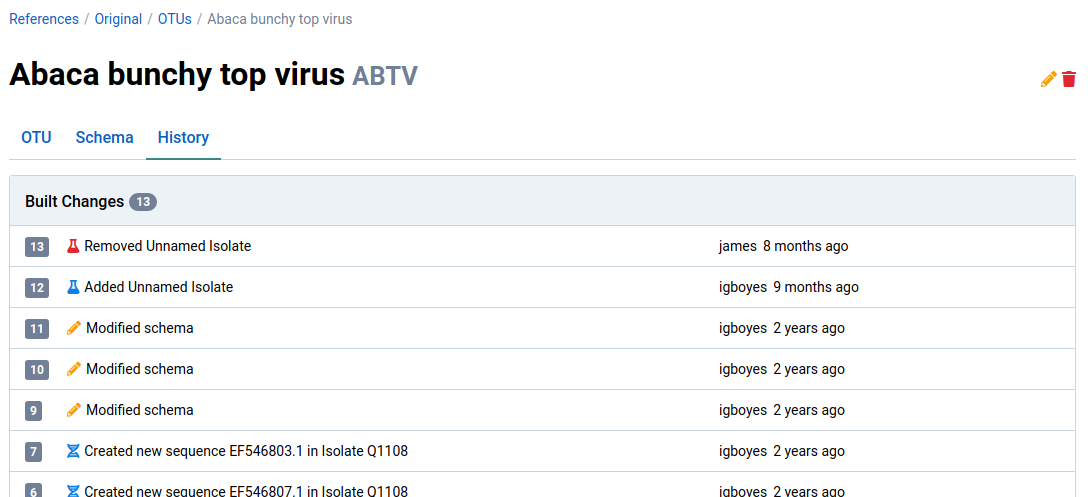
Here is an example of a change being recorded when an isolate is removed from an OTU:
View OTU changes
The example below uses Abaca Bunchy Top Virus (ABTV).
-
Navigate to the detail view for an OTU
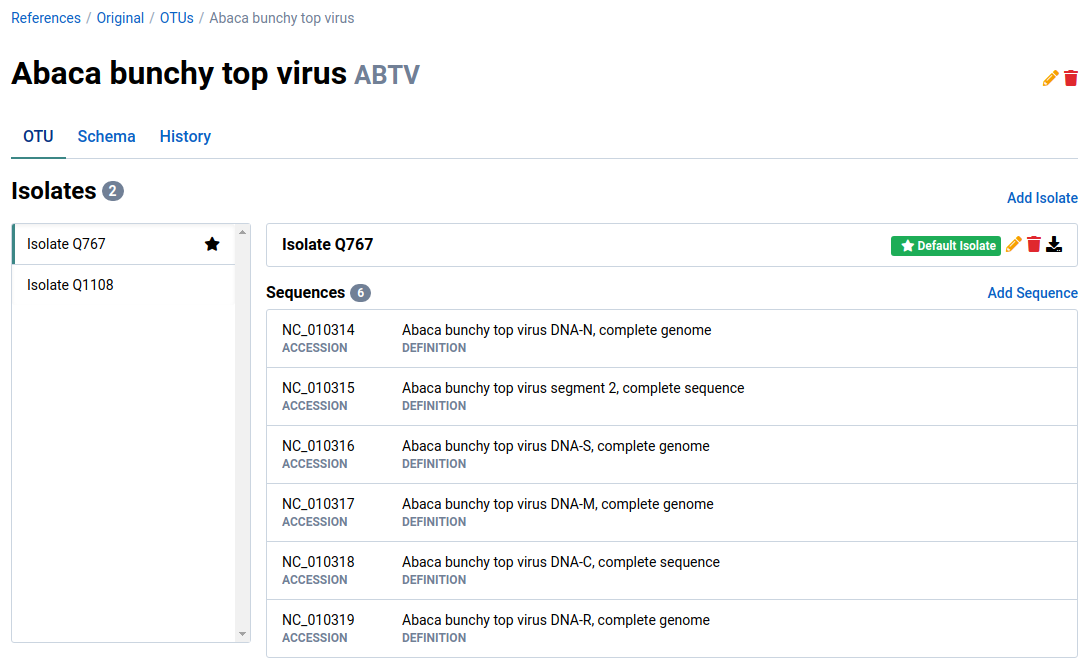
-
Click the History tab
This shows all changes ever made to the OTU.
View index changes
-
Navigate to the detail view for a reference
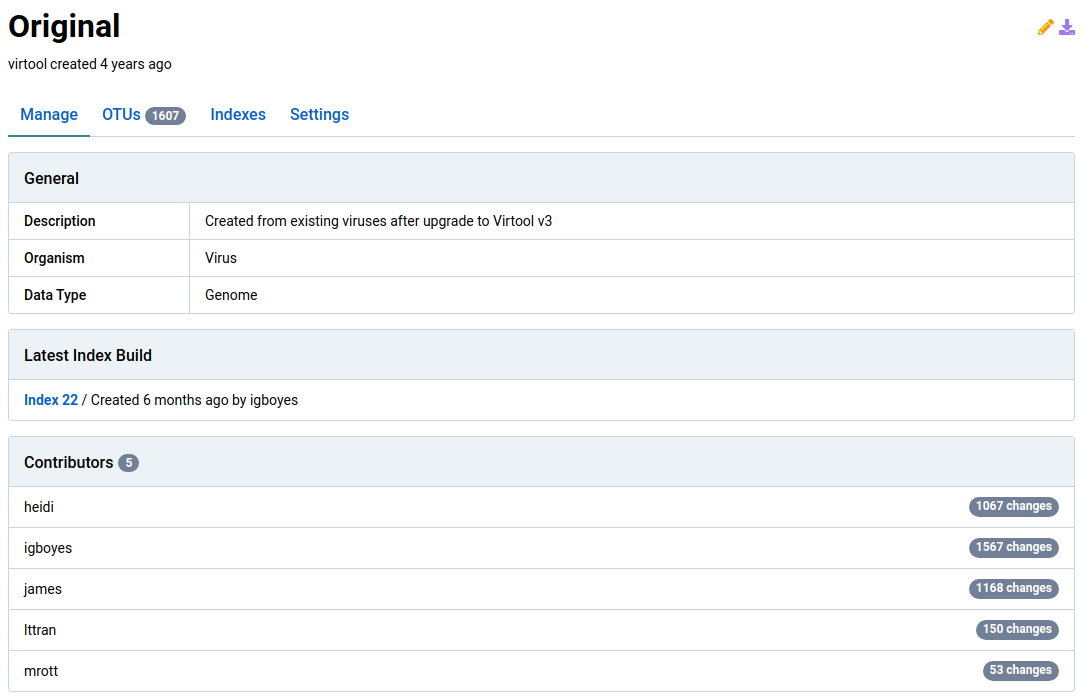
-
Click the Indexes tab to list the indexes for the reference
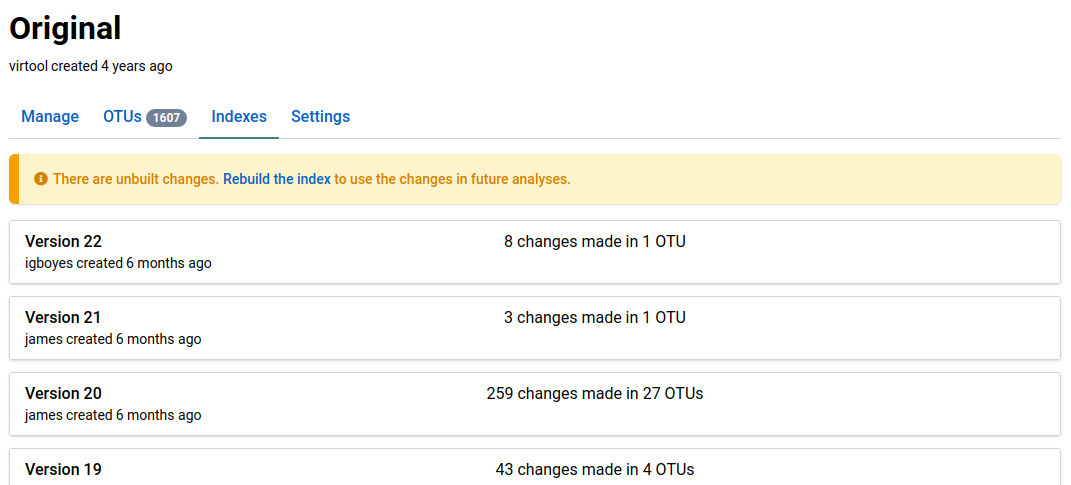
-
Click an index
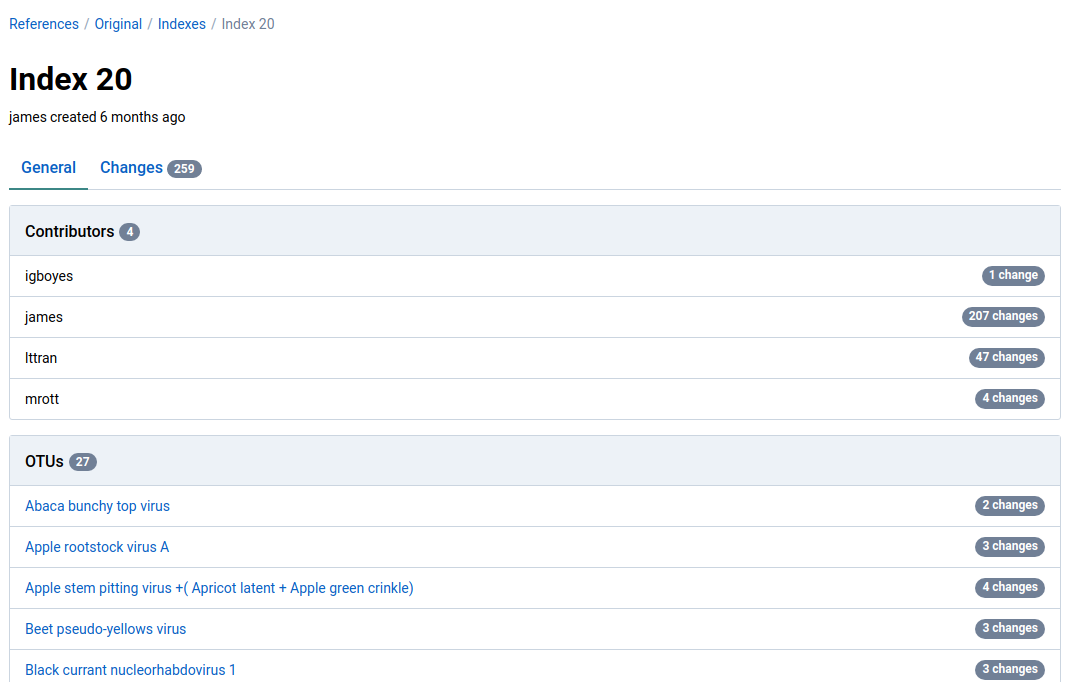
Index Version 20 was selected. The index detail page provides an overview of the changes included in the index.
-
Click the Changes tab
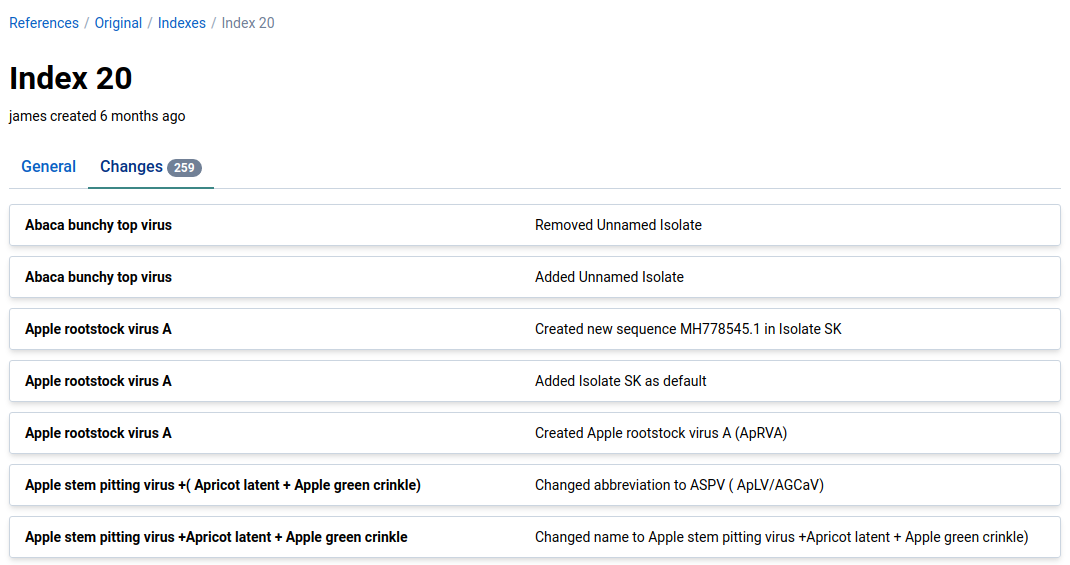
This view shows all changes made to each OTU in the index.
Revert changes
You can revert any unbuilt changes made to an OTU.
Changes included in a complete index build can’t be reverted, so it’s a good idea to be certain of any changes before starting an index build.
-
Navigate to the detail page for an OTU
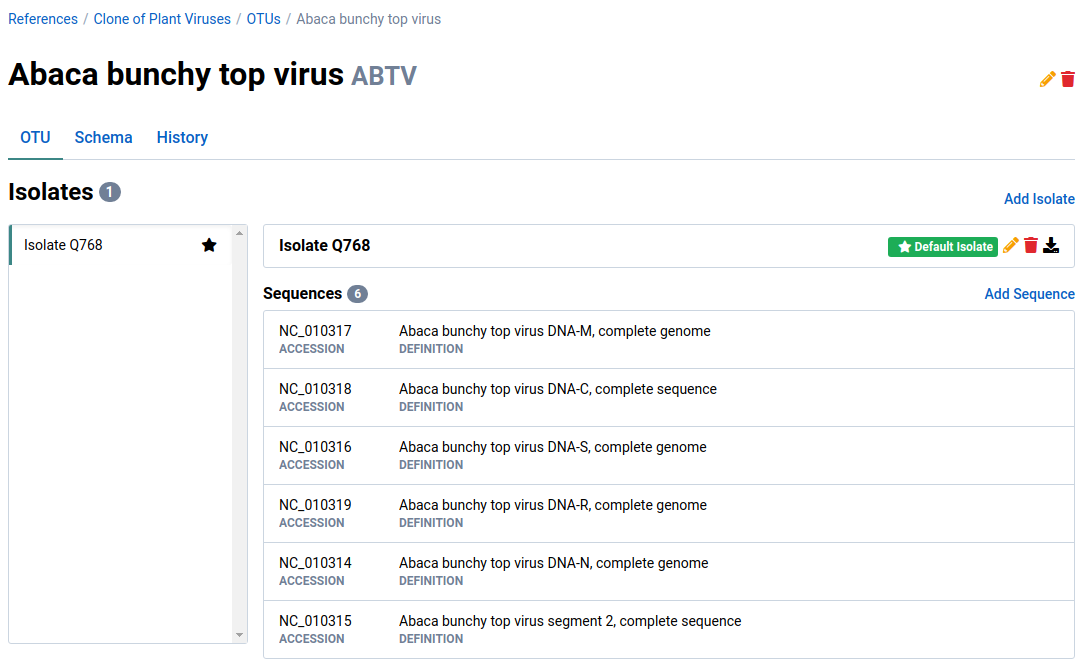
Note that the OTU has one isolate called Isolate Q768.
-
Click the History tab to view the history for the OTU
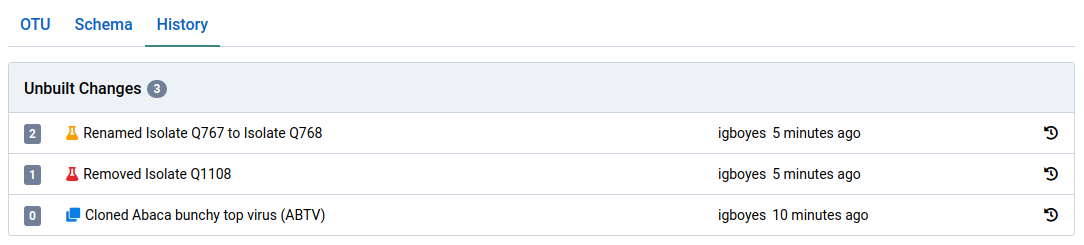
The history shows this OTU came from another reference, then one of its isolates was removed (Q1108) and the other was renamed from Q767 to Q768.
-
Click the icon to revert a change
Any succeeding changes are also removed.
-
Navigate back to the OTU tab
The reversions are reflected in the OTU data. In this example, the previously removed isolate (Q1108) is restored and the other isolate (Q767) has its previous name back.